Powerful Features
Everything you need for professional server management, right from your pocket.
AI Command Helper
- Natural Language to Shell – Describe what you want, get the command
- Multi-Provider – OpenAI, Claude, Gemini, OpenRouter, or local Ollama
- Built-in Safety – Risk assessment & dangerous command warnings
- Privacy First – Data stays on-device, sent only to your chosen provider
Terminal Excellence
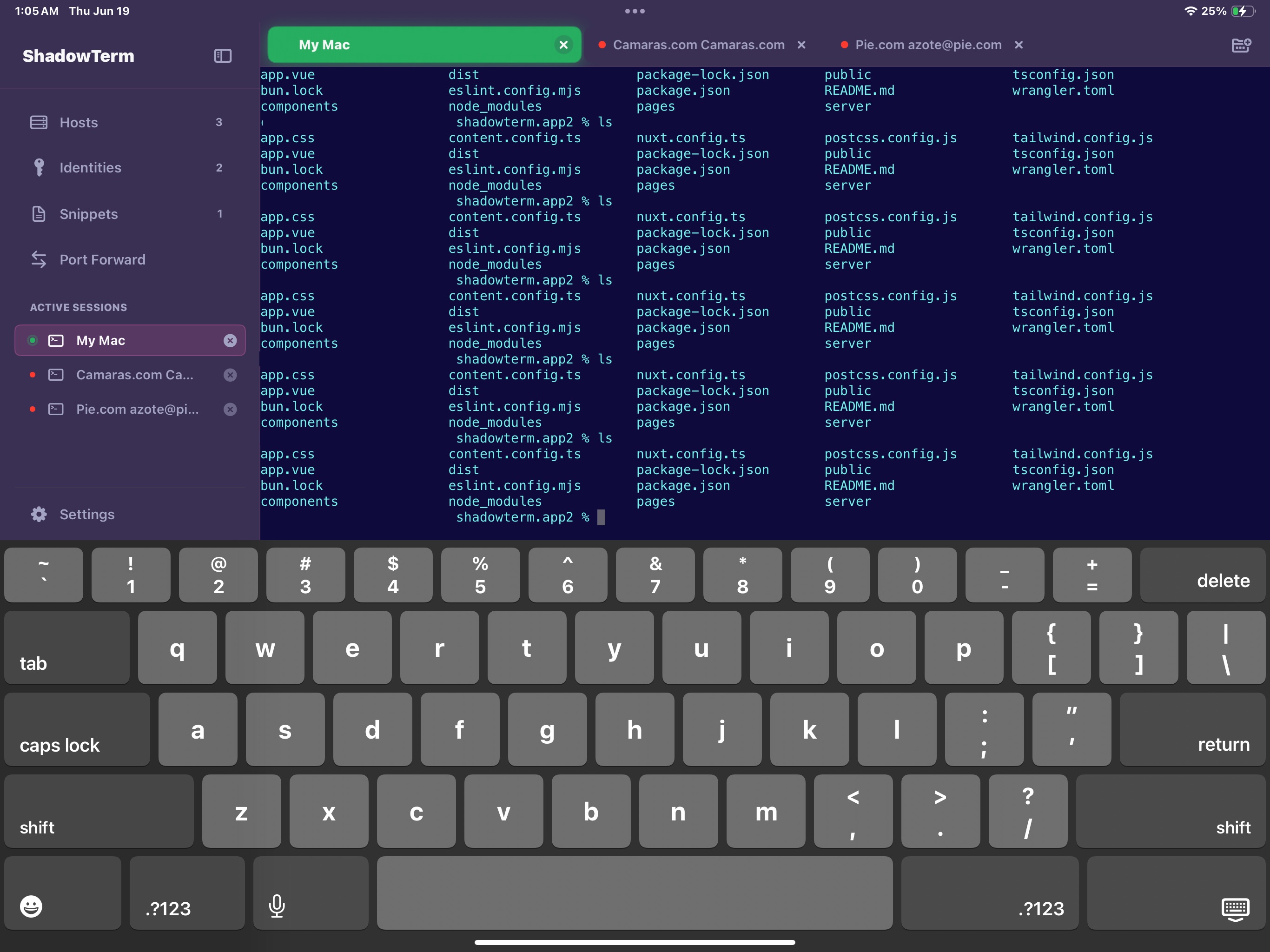
- Native iOS & iPadOS – Optimized for mobile and tablet workflows
- SSH & Mosh Support – Resilient connections over unreliable networks
- SwiftTerm Engine – Full VT100/xterm compatibility
- iPadOS 26 Windows – Resizable, floating window support
Security & Auth
- Multi-identity management
- SSH key pairs support
- iOS Keychain integration
- Smart auto-authentication
Live Monitoring
- CPU, memory & network stats
- Disk I/O & process tracking
- Nvidia GPU monitoring
- Zero setup – reads /proc directly
Productivity
- Command snippets library
- Batch execution across servers
- Port forwarding (local & remote)
- Modern SFTP file manager
16 Themes
- Cyberpunk, Synthwave, Vaporwave
- Matching terminal colors
- Nerd Font support
- Custom font sizing
Mobile First
- iCloud sync across devices
- Background SSH connections
- Custom keyboard builder
- Home Screen widgets
Developer Tools
- Multi-tab sessions
- Session persistence
- Quick access panels
- Export/import configs
Featured Integration
Claude Code Integration
Approve permissions and get notifications from your iPhone while Claude Code works on your projects.
Remote Notifications
Real-time alerts when Claude needs approval
Approve from Anywhere
Respond directly from notification banner
Dynamic Island
Live Activity on Lock Screen
Siri Shortcuts
"Hey Siri, check Claude permissions"
Geofence Auto-Connect
Auto-start polling at work locations
Session Templates
Quick start with tmux configs
Quick Install
view sourceSet up Claude Code hooks with a single command:
curl -fsSL https://shadowterm.app/install.sh | bashInstall Options
--url URLntfy server URL--topic TOPICntfy topic name--token TOKENAuth token (optional)--timeout SECSPermission timeoutUninstall
Remove ShadowTerm hooks from Claude Code:
curl -fsSL https://shadowterm.app/install.sh | bash -s -- --uninstallReady to take control?
Join thousands of developers managing servers from their pocket. Universal purchase for all your Apple devices.
Download on the App Store