Built to run the herd
A real terminal, an agent control plane, a network toolkit, and server monitoring — in one iPad app.
Drive Herdr over MCP
- Open sessions on command – Your agent attaches the live Herdr session for you
- See the whole herd – List every agent and its state at a glance
- Read & respond – Stream live output and send input straight to any pane
- Approve from anywhere – Clear permission prompts without touching the desktop
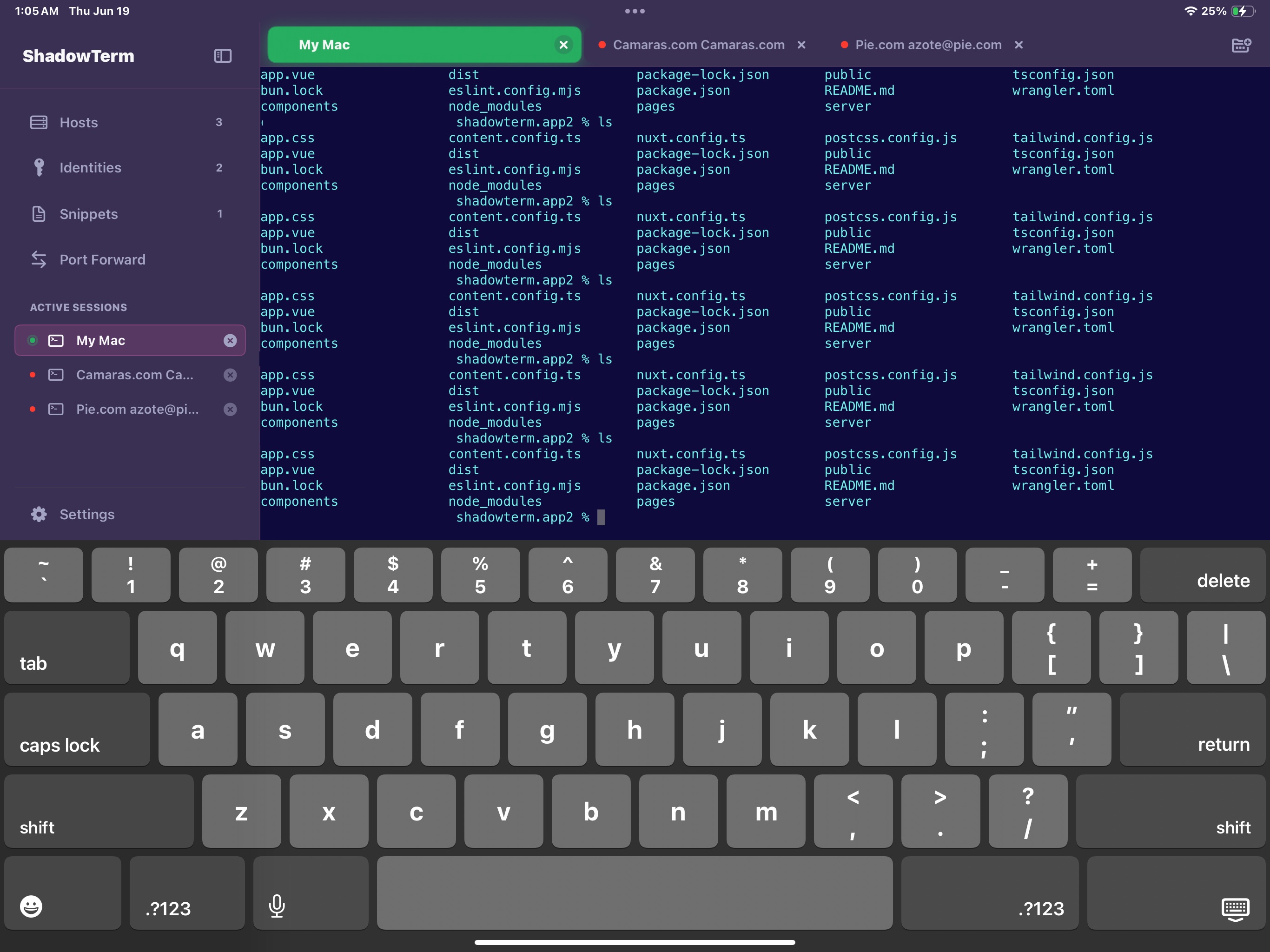
A terminal built for iPad
- iPad-first, iPhone & Watch too – Designed for the big screen, scaled down cleanly
- SSH & Mosh – Resilient connections that survive network changes
- SwiftTerm engine – Full VT100/xterm compatibility for tmux and Herdr
- iPadOS windows – Resizable, floating windows and a custom key row
Security & Auth
- Multi-identity management
- SSH key pairs support
- iOS Keychain integration
- Smart auto-authentication
Live Monitoring
- CPU, memory & network stats
- Disk I/O & process tracking
- Nvidia GPU monitoring
- Zero setup – reads /proc directly
Productivity
- Snippets with variables & pickers
- Batch execution across servers
- Port forwarding (local & remote)
- Modern SFTP file manager
16 Themes
- Cyberpunk, Synthwave, Vaporwave
- Matching terminal colors
- Nerd Font support
- Custom font sizing
Everywhere Sync
- iCloud sync across devices
- Background SSH connections
- Custom keyboard builder
- Home Screen widgets
Developer Tools
- Multi-tab sessions
- Session persistence
- Quick access panels
- Export/import configs
Network Tools
- Ping, DNS, traceroute & subnet calc
- Port scan, LAN & Bonjour discovery
- TLS/HTTP check, IP info (RDAP) & WHOIS
- Wake-on-LAN & live network map
- Remote dig/curl/openssl on your hosts
Files App
- Browse your servers in the Files app
- Open & copy files out over SFTP
- Read-only, per-host opt-in
- Manage exposed hosts from Settings
Claude Code Integration
Approve permissions and get notifications from your iPhone while Claude Code works on your projects.
Remote Notifications
Real-time alerts when Claude needs approval
Approve from Anywhere
Respond directly from notification banner
Dynamic Island
Live Activity on Lock Screen
Siri Shortcuts
"Hey Siri, check Claude permissions"
Geofence Auto-Connect
Auto-start polling at work locations
Session Templates
Quick start with tmux configs
Quick Install
view sourceSet up Claude Code hooks with a single command. The installer asks one question: action (default) notifies only for questions and permission approvals. all also notifies when a session starts, ends, or the AI stops.
curl -fsSL https://shadowterm.app/install.sh | bashInstall Options
--url URLntfy server URL--topic TOPICntfy topic name--token TOKENAuth token (optional)--timeout SECSPermission timeout--notify-mode MODEaction or all. Skips the question.--set-notify MODEFlip an existing install. No reinstall.action keeps questions and permission approvals. all also sends session start, session end, and AI stopped.
curl -fsSL https://shadowterm.app/install.sh | bash -s -- --set-notify actionUninstall
Remove ShadowTerm hooks from Claude Code:
curl -fsSL https://shadowterm.app/install.sh | bash -s -- --uninstallShadowTerm is coming to the Mac
A native macOS terminal with the protocols other apps forgot — Telnet, rlogin, serial consoles, TN3270, ZMODEM — plus tiled workspaces, an AI helper with autonomy controls, and your hosts synced from iPad over iCloud.
See what's coming to MacEvery protocol
SSH, Mosh, Telnet, rlogin, serial, TN3270
Tiled workspaces
Terminal, editor, preview & AI side by side
AI helper
Explain output, draft commands, agent mode
iCloud sync
Hosts, identities & snippets shared with iPad & iPhone
Ready to take the reins?
Run your agents on the desktop, command them from your iPad. Free to download on iPad, iPhone & Apple Watch — try before you pay.
Download on the App Store